Tools for people who design and make.
A cleaner way to compare professional software, choose a subscription period, and get straight to the tools your work depends on.
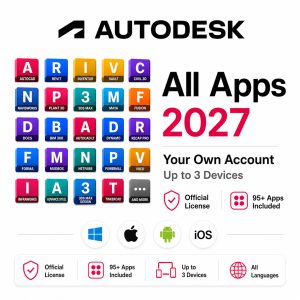
Autodesk 2027 All Apps
Access a broad professional toolset with plan options from 1 to 5 years.
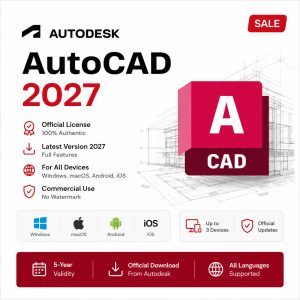
AutoCAD
CAD tools with multiple term options.
Shop by workflow
Start with the kind of work you do, then move directly to the software and plan that fits.
One place for a broad Autodesk toolset.
Choose the subscription period that fits your project horizon. Product-specific activation, compatibility and refund terms remain visible on the product page before checkout.
Professional software
Focused products with clear term choices and direct purchase paths.
A simpler buying flow
Keep the path from product selection to checkout short and predictable.
Choose your product
Compare the suite or focused software option that matches your work.
Select your plan
Pick the available subscription period and review the product-specific terms.
Checkout & setup
Complete payment, then follow the order and setup instructions provided.
Know what you’re buying before checkout.
How are products delivered?
These are digital products. Delivery and activation details depend on the specific product and are shown on its product page and order instructions.
Can I choose a subscription period?
Products with multiple terms display the available options before you add them to cart.
Where do I check compatibility?
Use the product page for supported systems, devices and version details before purchasing.
Where can I get help?
Use the support/contact page if you need help with an order, installation or activation instructions.